01 / Word ↔ PDF
Word to PDF. PDF to Word.
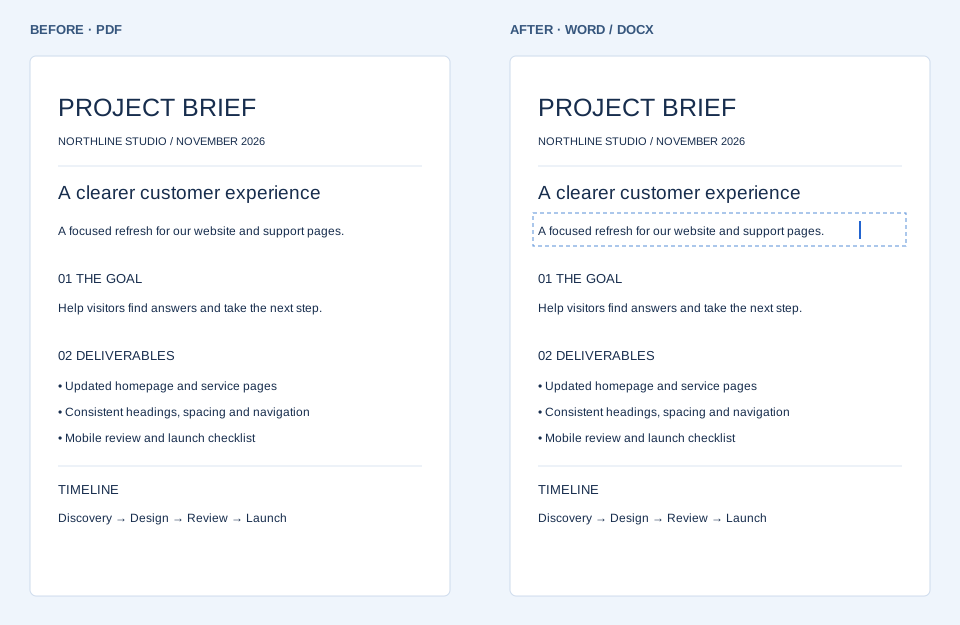
Need to edit a PDF? Choose it to get a Word copy. Going the other way, save your Word document as a PDF with selectable text where available.
 Convert & Repair
Turn a PDF into a Word document, or save a Word file as a PDF. If your file won’t open, try repairing it here in your browser.
Choose your file. We’ll pick the conversion direction.
Use a PDF, DOCX or older DOC file.
PDF and DOCX up to 15 MB · DOC up to 10 MB · 20 pagesDownload format: Word (.docx) · Older DOC files: text-only recovery (beta).
Choose a PDF or an existing Word file.
Your file is processed automatically. Look over the result.
Save the new file when you’re ready.
Need to edit a PDF? Choose it to get a Word copy. Going the other way, save your Word document as a PDF with selectable text where available.
Fix wide tables and uneven spacing, or recover surviving text from a Word document that won’t open. Check each change in the preview.


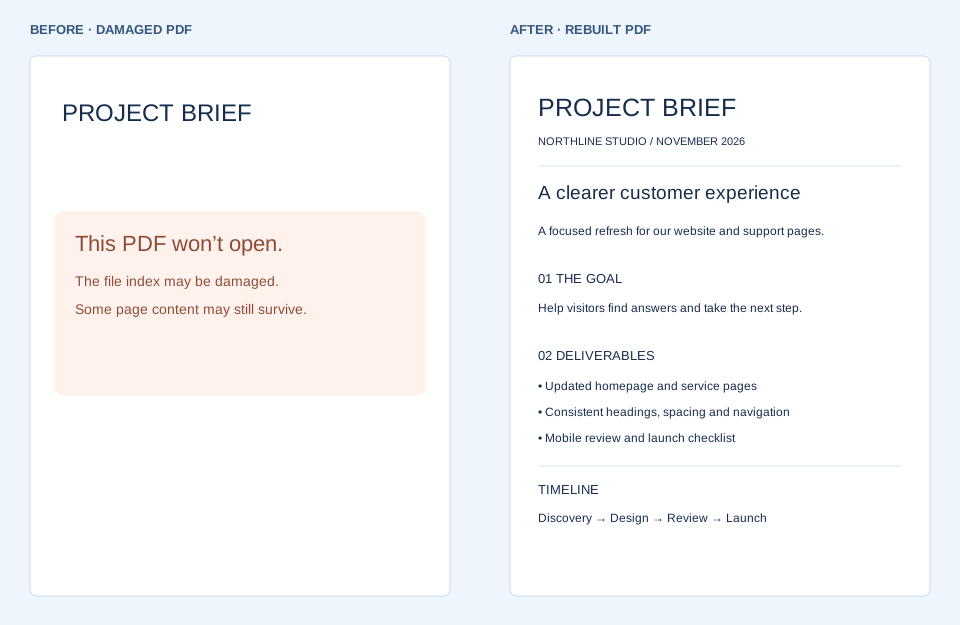
A broken index can keep a PDF from opening even when its pages survive. Try a repair and use the page report to see what you can save.
We keep the original page layout in a picture-based Word copy. When an editable version is available, you can also preview it. Fonts and spacing can change in Word.
Scanned pages stay visible in the layout copy. On scans up to five pages we also try English text recognition. Older DOC files support body-text recovery. Word downloads are DOCX.
Drop in a DOCX and we check spacing, paragraph flow, table widths and highlighting. The preview lists any changes. You can undo fixes before downloading.
If a Word file cannot be read, we try to rebuild its surviving parts. If only text survives, the preview shows a plain document. Missing words or scrambled characters may be unrecoverable.
Yes - try the Repair PDF tab. We first try rewriting the PDF structure, keeping surviving text and graphics. This can also rescue complete pages from some truncated files. If that fails and our reader can render the file, we rebuild readable pages as images. This can help with some damaged indexes or file structures. It cannot recreate missing page data or decrypt a locked file. Image-based repair loses text search and editing. Either repair method can lose forms, signatures, links, and accessibility information. Use the page report and preview to check what survived.
They stay in this browser tab. We don’t upload your documents to a server. Click “Clear my files” or close the tab when you’re done. Anything you downloaded stays on your device.
Yep. All available tools and downloads are free, with no Convert & Repair account needed. If you’d like to say thanks, there’s an optional PayPal “Buy me coffee” link.